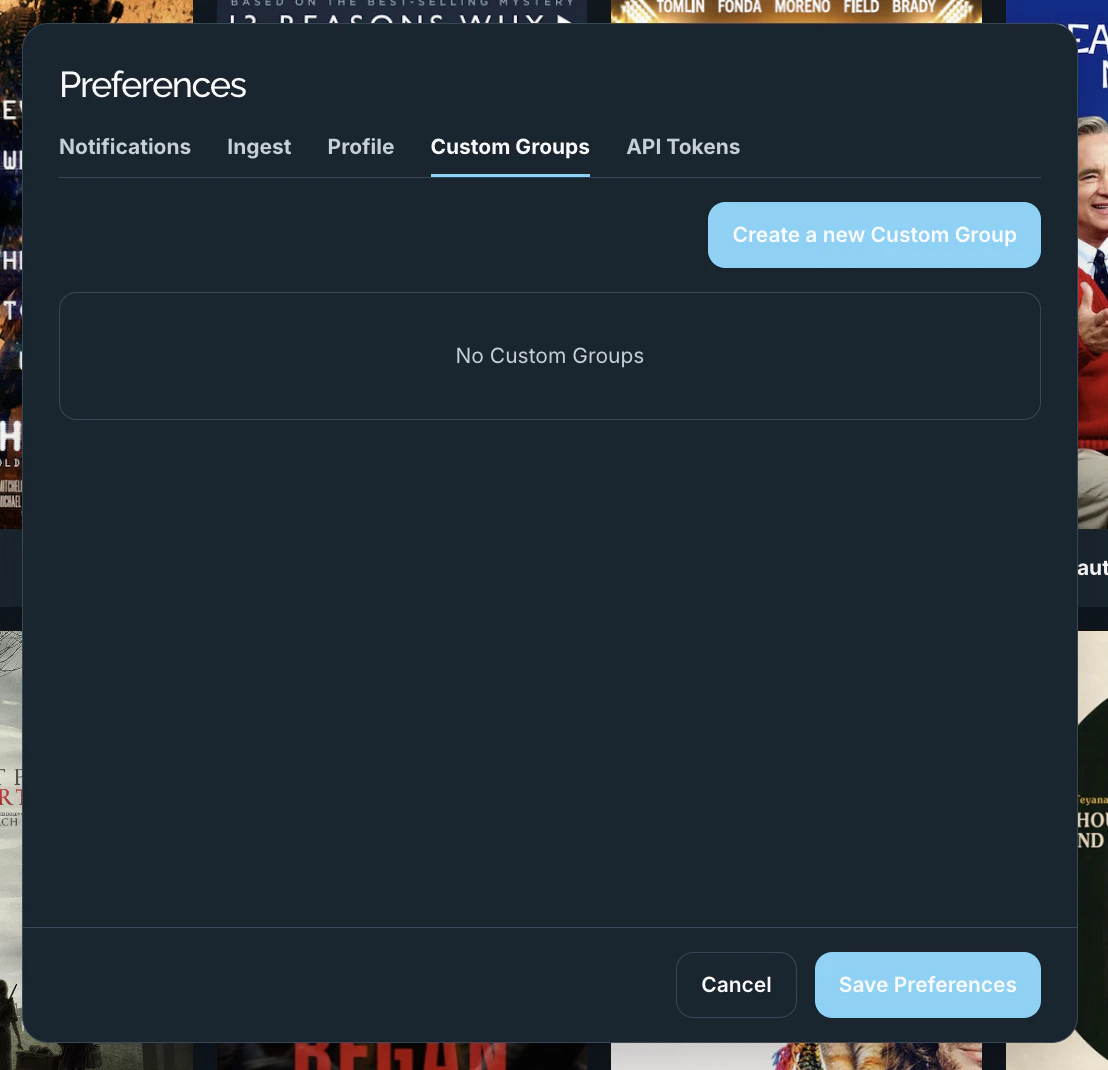
Custom Groups are your own reusable contact lists for sharing. Instead of picking the same people every time, save them as a named group and select it when you create a share. Find them on the Custom Groups tab in Preferences.
The Preferences Custom Groups tab with a Create a new Custom Group button and empty state
  • Create a new Custom Group opens a form with a Name and a list of recipients.
  • Recipients can be platform users, plain email addresses (for people outside the platform), and existing groups.
  • Each saved group can be edited or deleted from the list. When you have none, the tab shows No Custom Groups.