

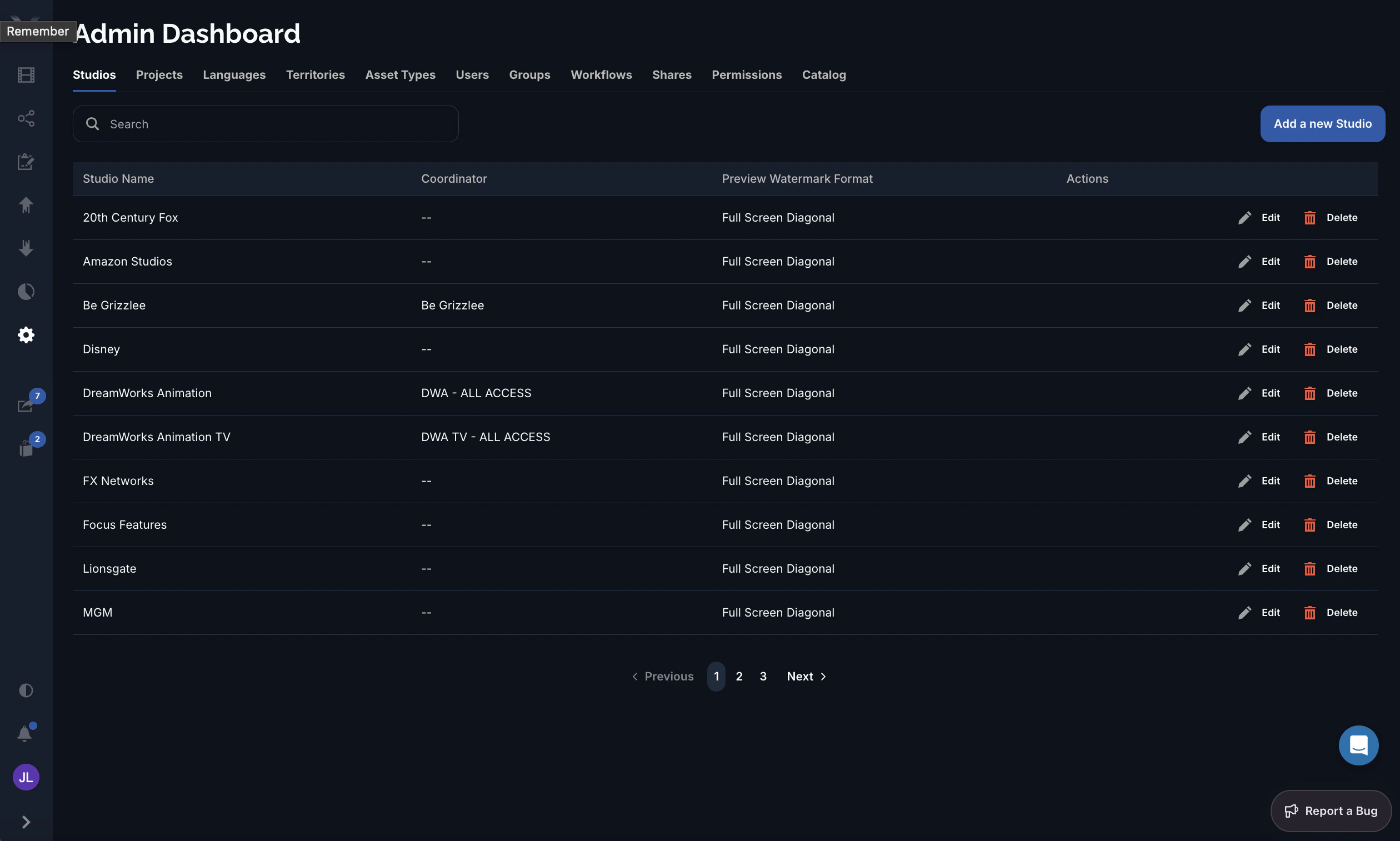
Columns
Editing a studio
The studio form has these fields:- Logo — an image for the studio (square, 1:1).
- Studio Name — the display name (required).
- Slug — the studio’s short identifier. Set at creation and locked when editing.
- Coordinator — the contact group responsible for the studio.
- Preview Watermark Format — how previews are watermarked (see below).
- Enforce 2FA — require two-factor authentication for this studio’s users.
Preview watermark formats
The preview watermark format controls how Pixwel overlays a watermark on this studio’s previews:| Format | Placement |
|---|---|
| Full Screen Diagonal | Repeating mark across the whole frame, on a diagonal. |
| Single Center | One mark in the center of the frame. |
| Single Bottom Middle | One mark along the bottom edge, centered. |
| Single Top Middle | One mark along the top edge, centered. |
Coordinator and Preview watermark format are studio-wide settings — they apply to every project and asset under the studio.