

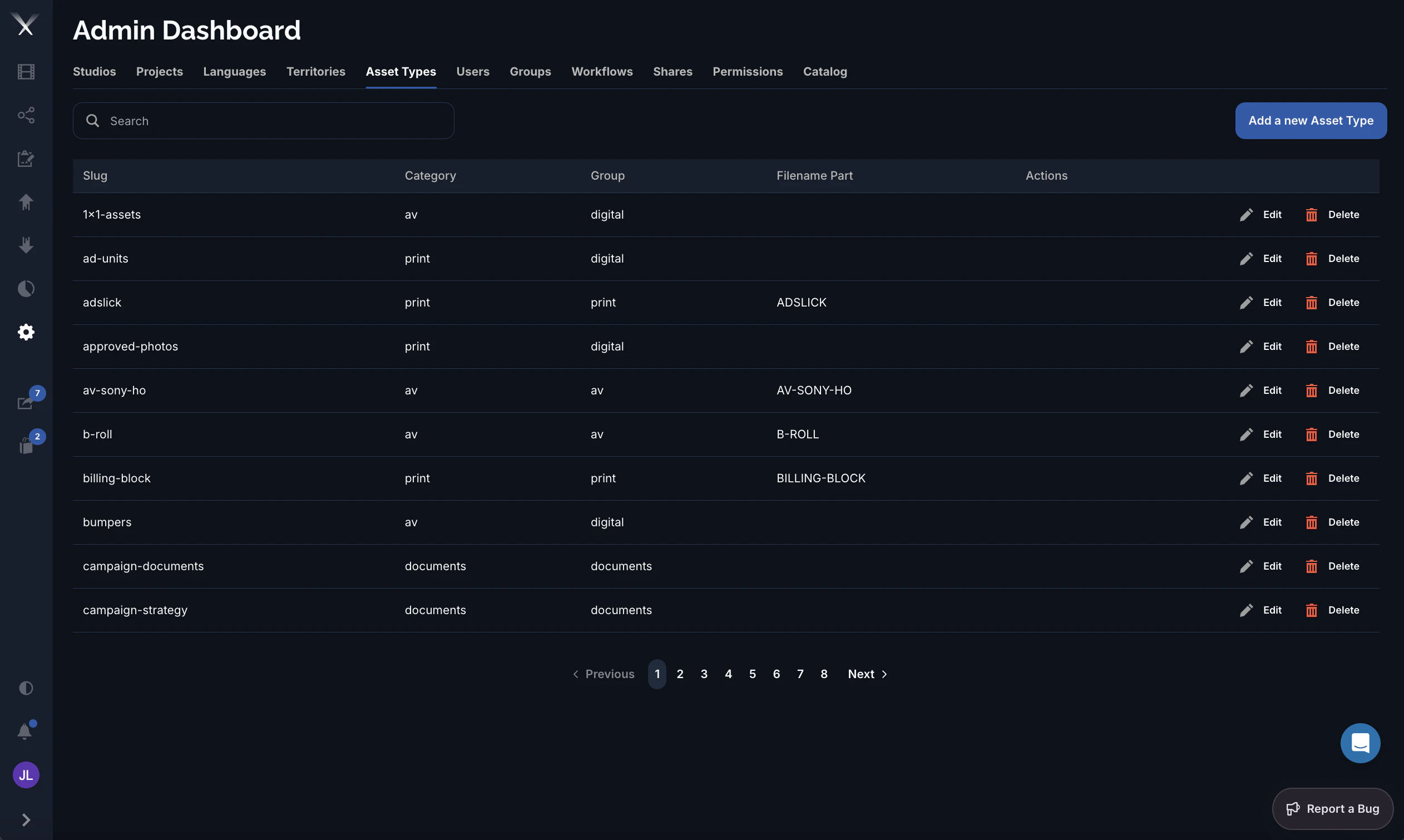
1x1-assets, ad-units, b-roll, bumpers, billing-block, and so on. Each row carries a few fields that determine how the type behaves and how its files are named. Asset types can apply to all studios or be scoped to one.
Columns
| Column | What it is |
|---|---|
| Slug | The asset type’s identifier (for example b-roll, billing-block). |
| Category | The broad bucket the type falls into — av, print, or documents. |
| Group | How the type is grouped for browsing and ordering — digital, print, av, or documents. |
| Filename Part | The token (for example B-ROLL, ADSLICK) inserted into generated file names for assets of this type. Blank when the type doesn’t contribute a filename token. |