transcription, and they’re what translations and subtitler work are built from. Localize a script and you get the subtitles, dubbing scripts, and graphics text for each language.
There are a few distinct kinds:
| Script | What it is | Typical format |
|---|---|---|
| Continuity Script | The full source-language script describing all dialogue, narration, and on-screen graphics for the asset. The human-readable master document. | .docx / .doc |
| SRT Transcription (OV) | The original-version subtitle file — dialogue and narration combined, timed. The master transcription that translations are created from. | .srt |
| Dialogue SRT | The OV transcription with graphics removed — dialogue and narration only. The source for subtitled and dubbed localization. | .srt |
| Graphics SRT | Only the text that appears on screen as graphics or overlays, separate from spoken dialogue. The source for localized graphics. | .srt |
| Auto Graphics (AutoGfx) | A graphics transcription generated automatically from the asset’s graphics project, rather than authored by hand. | .srt |
These scripts map directly to the DNG (dialogue, narration, graphics) categories used when ordering localization. Dialogue and narration work draws on the dialogue SRT; graphics work draws on the graphics SRT (or AutoGfx).
Downloading scripts
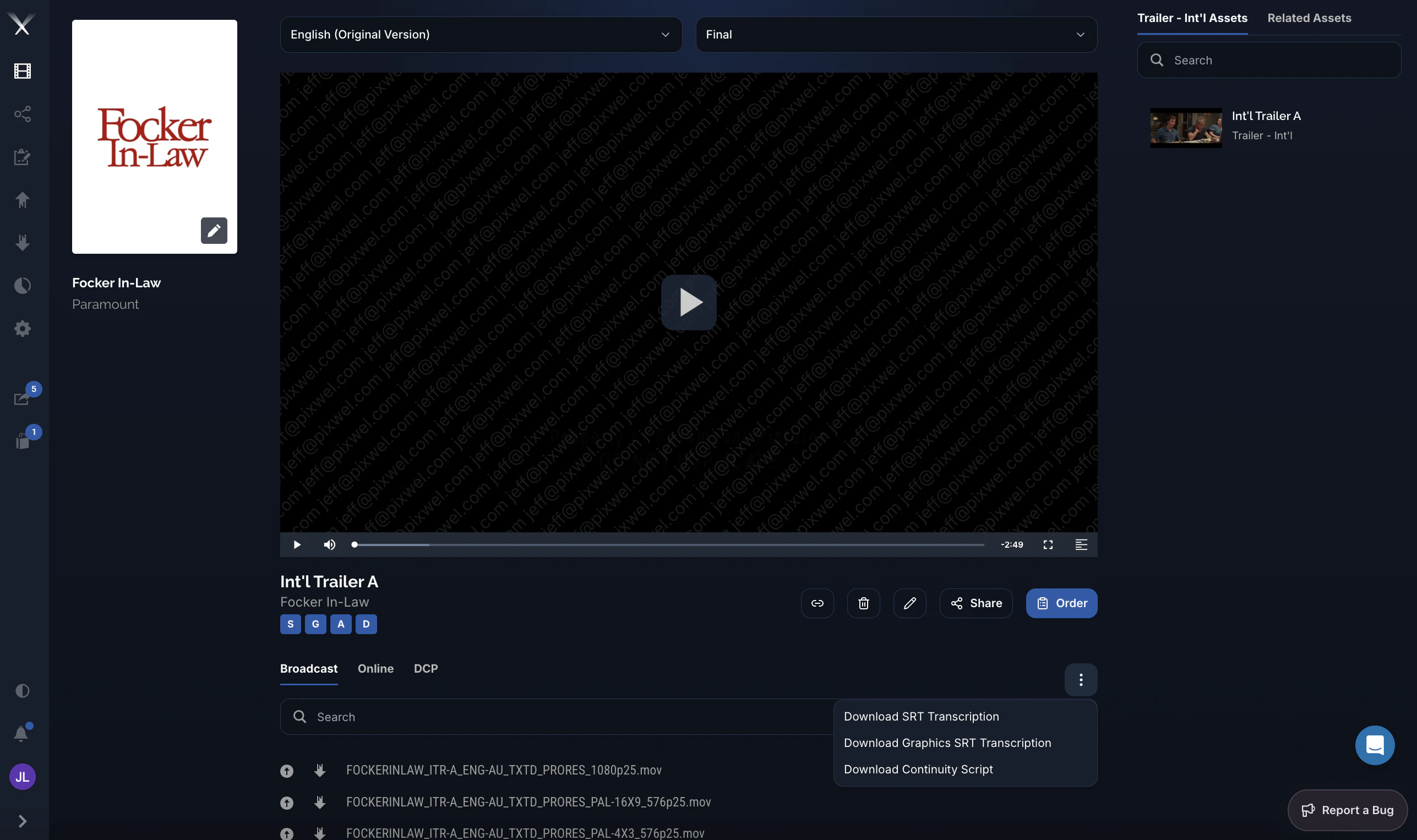
On the asset page, open the ⋮ (overflow) menu at the top-right of the files list to download the asset’s scripts directly — Download SRT Transcription, Download Graphics SRT Transcription, and Download Continuity Script. The scripts follow the language and version selected at the top of the page.