

Assets
The individual pieces of creative within a project.
Files
The real, downloadable deliverables of an asset.
Scripts
The source-language text that localization is built from.
Project
A project represents one campaign — typically a single film — and is owned by a studio. It’s the container everything else lives in.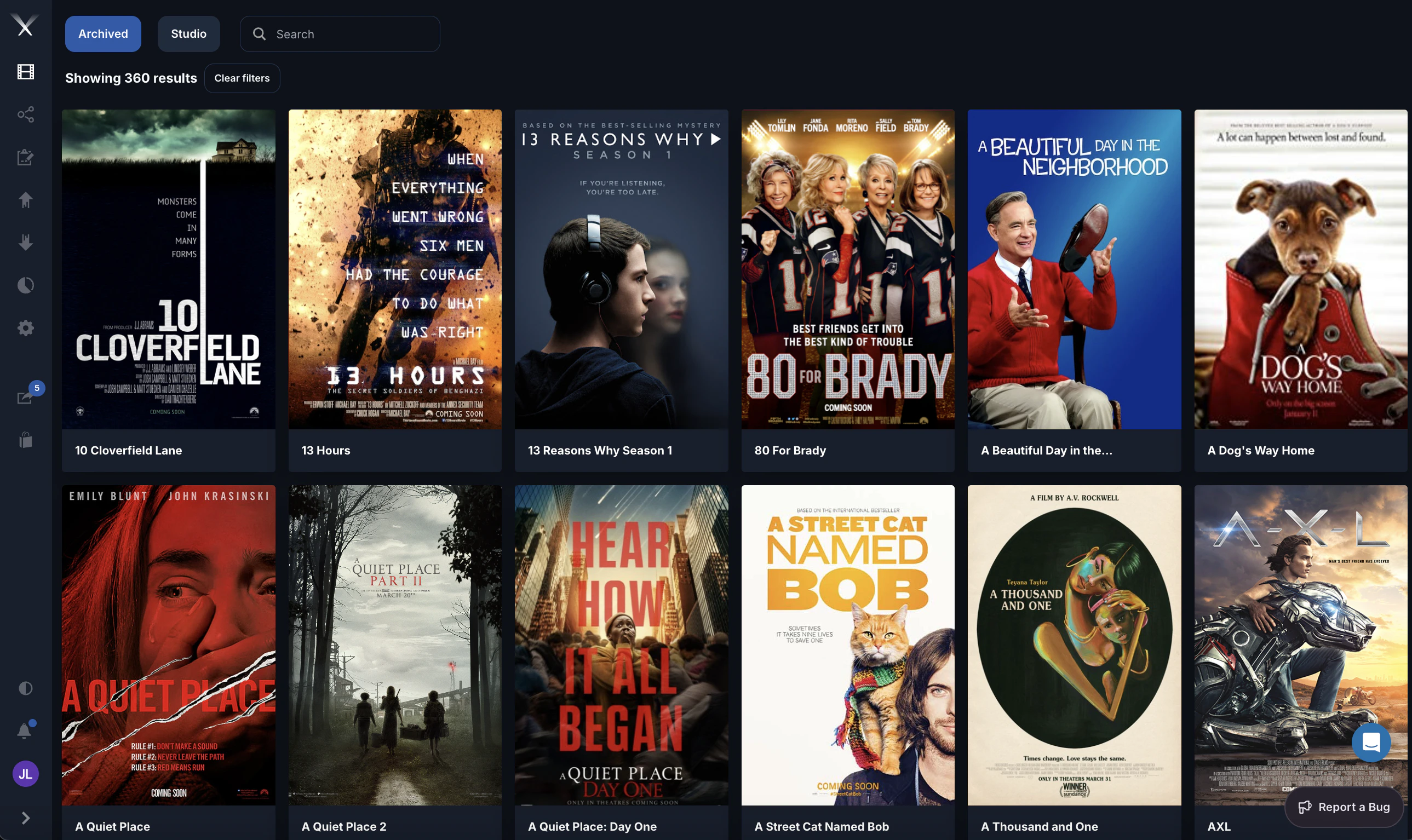
- Many assets (the trailers, TV spots, posters, and other media for the campaign)
- A logo file (the project’s poster or key art)
- Occasionally, loose files attached directly to the project rather than to an asset
How they relate
| Relationship | Cardinality | Meaning |
|---|---|---|
| Studio → Project | one to many | A studio owns many projects |
| Project → Asset | one to many | A project contains many assets |
| Asset → File | one to many | An asset has many file renditions |
| Project → File | one to many | Files can also attach directly to a project |
| Asset → Preview | one to many | An asset has previews per language/revision |
| Asset → Translation | one to many | An asset has an OV plus localized translations |
This page describes the concepts.