

How to download files
Open the asset
Find the asset and open its preview.
Pick language and options
At the top of the preview, choose your language and subtitle/dub option. The available files then appear in the lower half.
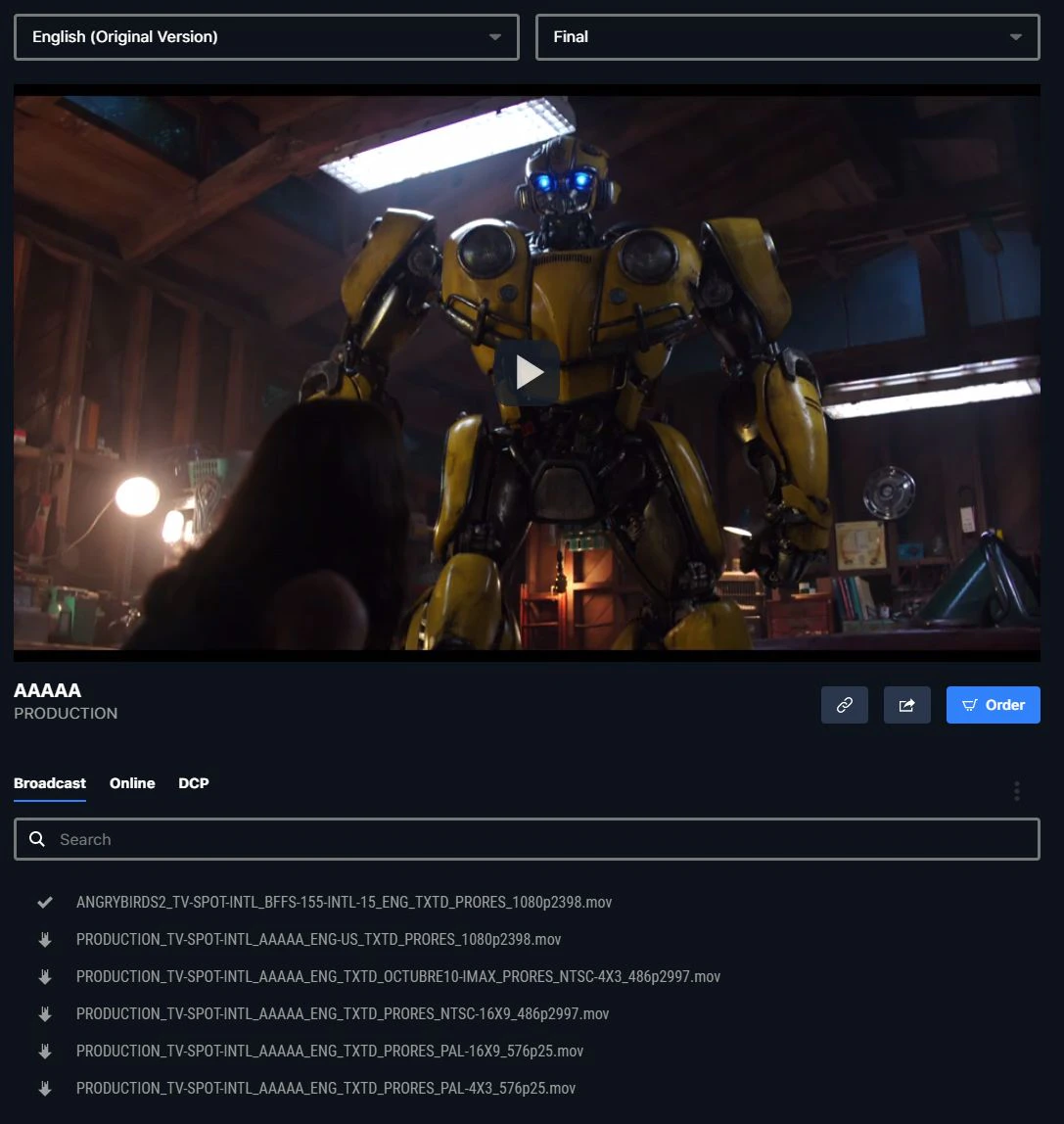


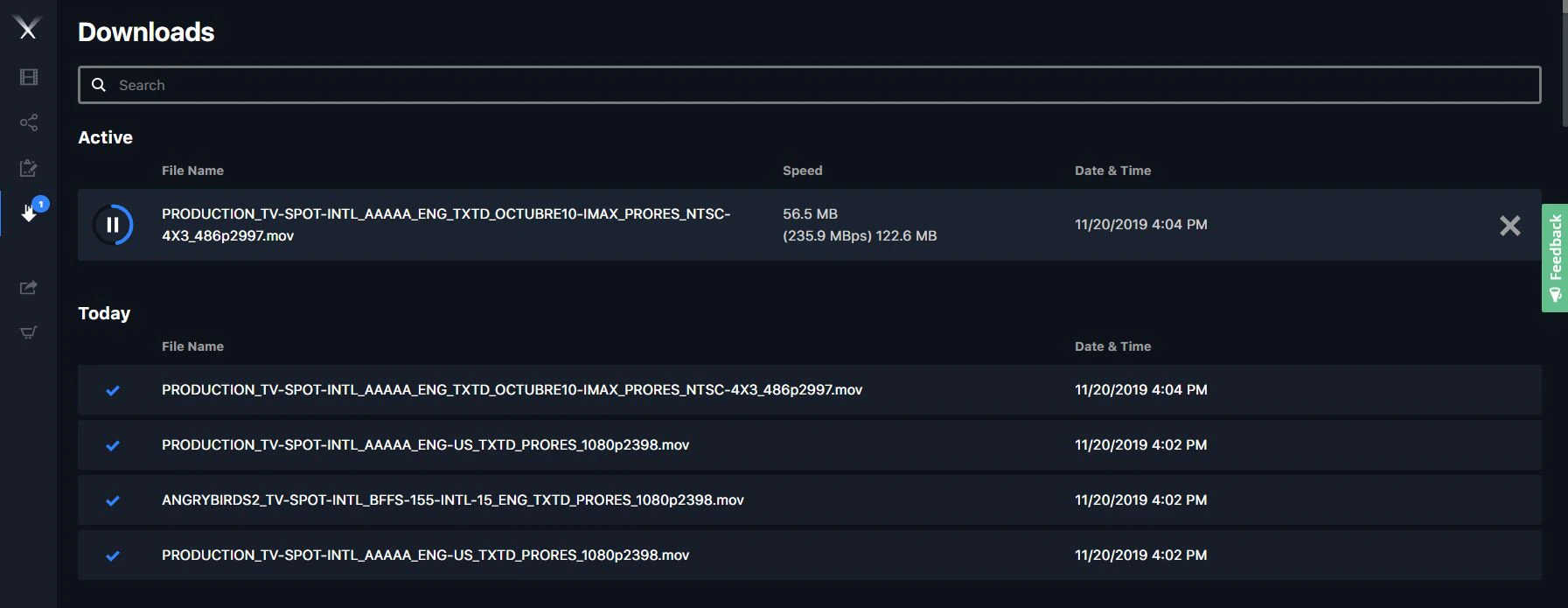
How long until files are downloadable
Once the Pixwel team receives files from the localization vendor, it usually takes 60 to 90 minutes for them to appear on the platform.Where files download to (Aspera)
Downloads transfer via Aspera Connect and save, by default, to your system’s Downloads folder, inside a subfolder named for the studio. To change the location:- Mac — open Aspera Connect preferences → Transfers tab → Browse to a new location.
- Windows — open Connect preferences (cog icon at bottom-left, or right-click the Connect icon → Preferences) → Transfers tab. Choose Save downloaded files to and browse to a directory, or Always ask me where to save downloaded files to be prompted each time.

If you’re hitting connectivity or transfer problems, Pixwel publishes Aspera technical documentation (network ports and requirements) as a PDF — ask support for the link. See also Aspera Desktop.
Embargoed files
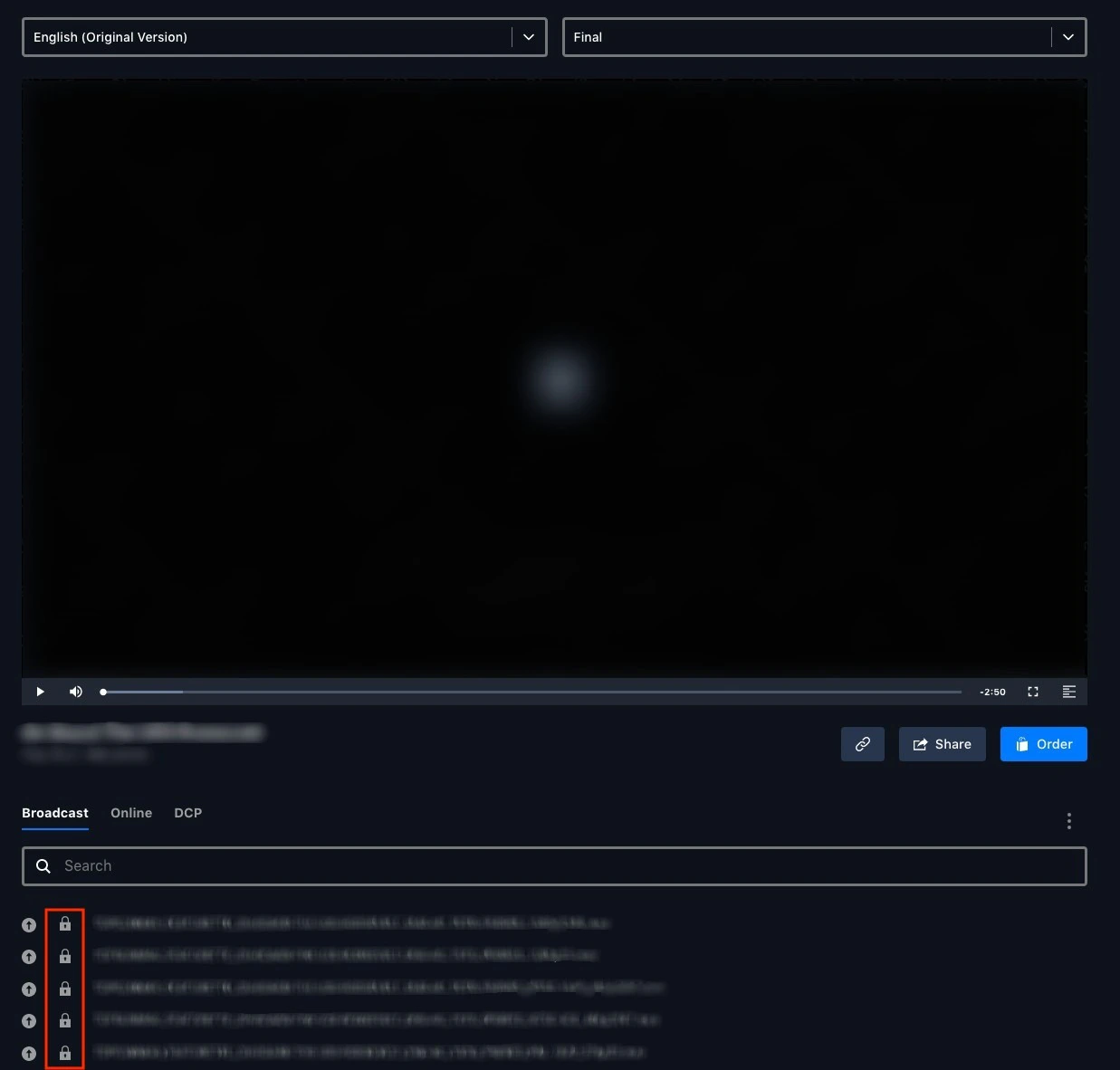
An embargo holds a file until a release date.- An embargoed file shows a padlock icon and can’t be downloaded yet.
- Hover the filename to see the embargo date and time.
- When the embargo lifts, the padlock becomes a download arrow and the file is available.


Restricted OV texted / textless files
Downloading OV English texted and textless files usually needs Head Office approval. To request them, email platform@pixwel.com with:- The asset titles and their URLs
- The specs — texted, textless, or both; broadcast, online, or both; and any special transcoding
- A business justification — why you need them, who the recipient vendor/partner is, and the intended usage