In-app notifications
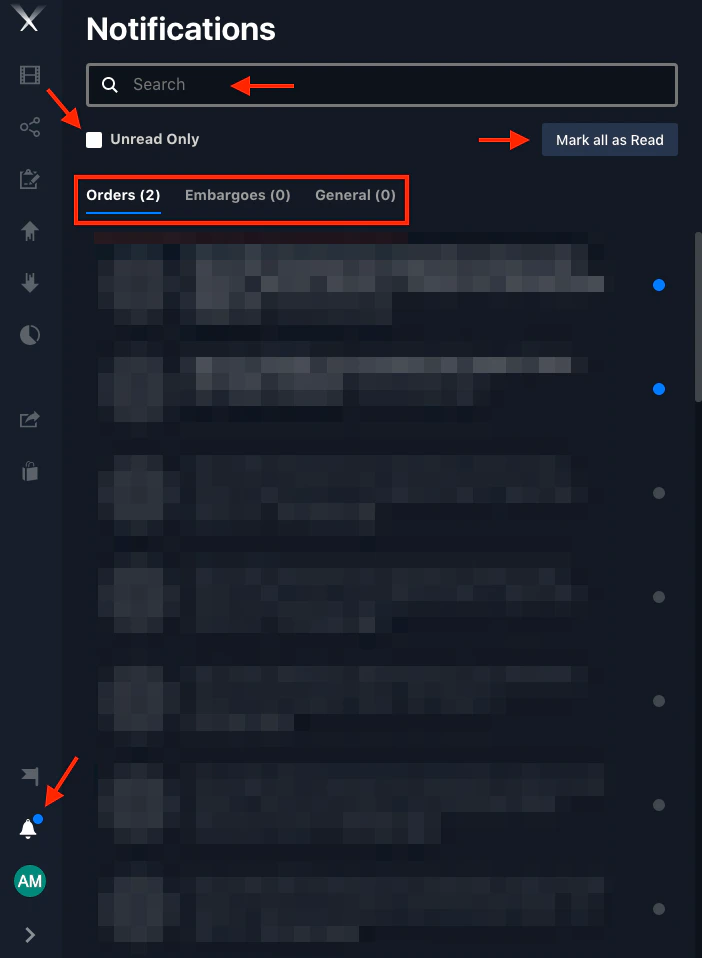
Click the bell icon above your user profile to open the Notifications panel. Notifications are organized into tabs:- Orders — updates on your work requests.
- Embargoes — when an embargoed file’s restriction changes.
- General — other updates, such as asset uploads.
Email notifications
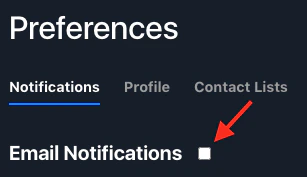
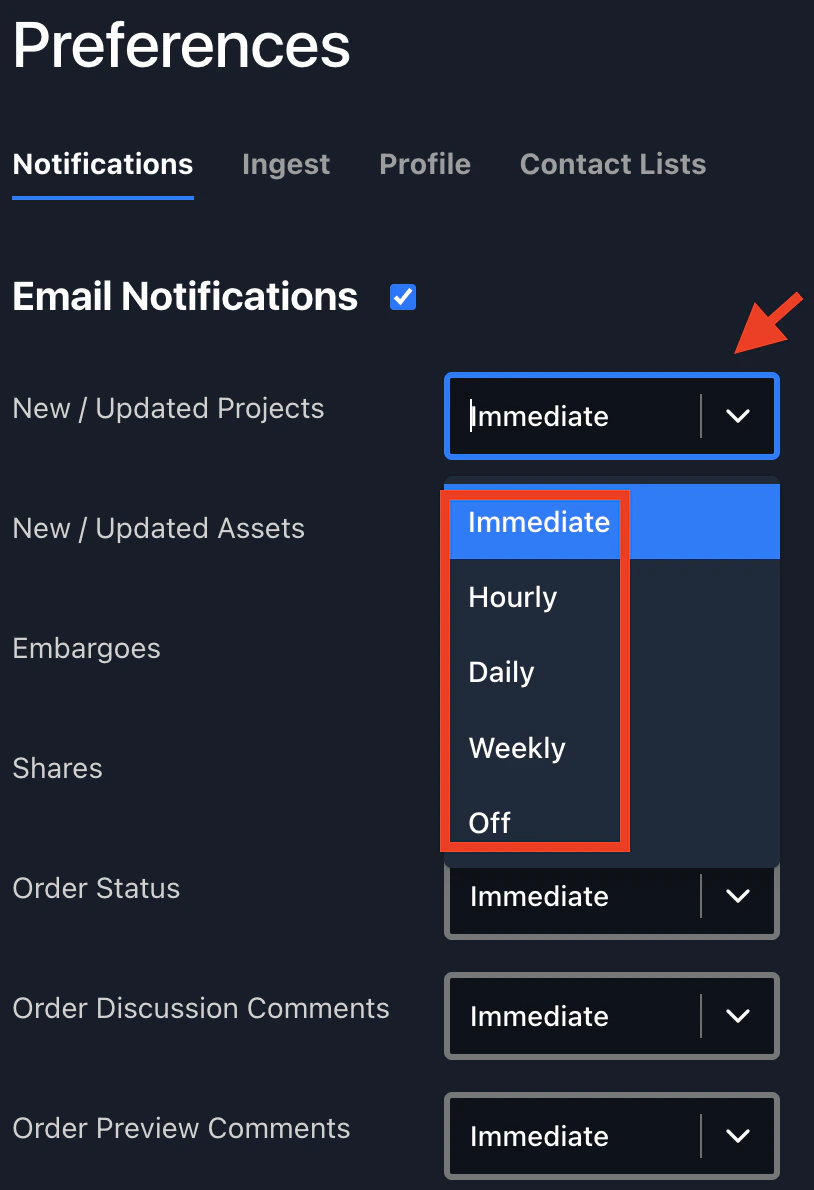
Email notifications tell you by email whenever a project or work order is updated, or a share is received.Open Preferences
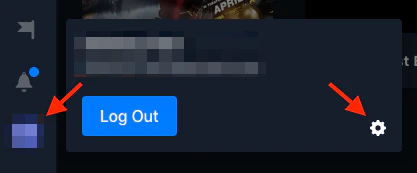
Click your user profile at the bottom-left, then the settings gear (⚙️) to open Preferences.