

Pixwel SSL config
What’s what
Here are the certs, which are automatically configured:etc/ssl/private/pixwel.key - private PEM issued by RapidShare.
/etc/ssl/certs/pixwel.crt - public PEM including certificate chain. Looks something like:
Verifying the certificates
Using the following tools: Verify that the following URLs are set up correctly with SSL:staging.pixwel.comnotifications.pixwel.complatform.pixwel.comjenkins.pixwel.com
Gotchas / SSL on ELB
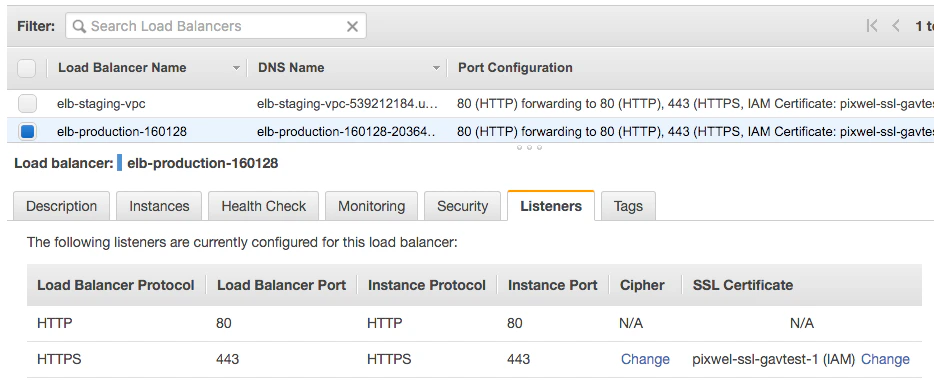
The current SSL cert at the time of writing is namedpixwel-ssl-gavtest-1 (IAM) - this is because I had a few failed attempts at creating it as it’s finicky with how it likes the certificates pasted in. Basically, paste the private key in the private box, then the top of the cert chain in the public key, then the rest of the cert chain in the cert chain field.
Back to docs index | Next page in recommended reading order >>